Coinbase Cloud Admin
An internal tool for account managers that cut customer resolution time from days to minutes

The problem
Coinbase Cloud had zero admin tooling. When a customer needed a rename, transfer or delete, account managers DM'd engineers in Slack and waited days.
Coinbase Cloud has ~30 account managers handling $30B in customer assets. They help customers set up clusters, move from trial to paying, and take care of requests like renaming a cluster, debugging errors or transferring clusters. However, they couldn't execute any of it so requests got passed on to PMs and engineers to run in their terminals. Turnaround time was in days, led to bad CX, and wasted engineering time.
$30Bin customer assets
Mapping it out
I interviewed 2 account managers to map the request lifecycle. It surfaced the friction points and made sure we were prioritizing the right things.
What info does a customer provide? How is a cluster searched for? How is the request handed off between people? How many tools are involved?
- SlackCustomer DMs the account manager
- CUSTOMER LIST PAGEAM looks up the customer on the customers page + copy their org ID
- CLUSTER LIST PAGECtrl+F that ID on the clusters list page
- CLUSTER LIST PAGEManually map the highlighted clusters to details in the DM
- JiraFile a ticket including cluster details
- PM or engineerWait for them to change in CLI, anywhere from hours to days
Users rewrote the brief
Finding the right cluster was the most time-consuming part. The actions themselves were easy enough.
- Customers didn't always give the exact cluster details, so searching for a cluster was difficult because they needed to piece together different slices of information.
- Handoff between tools and people meant information got lost and errors crept in.
- Renaming a cluster was a common action missed in the PRD which I pushed to prioritize.
- SlackCustomer DMs the account manager
- Cloud AdminSearch by customer name
- Cloud AdminFilter clusters by details from the DM
- Cloud AdminFind and open cluster
- Cloud AdminTake action
Explorations
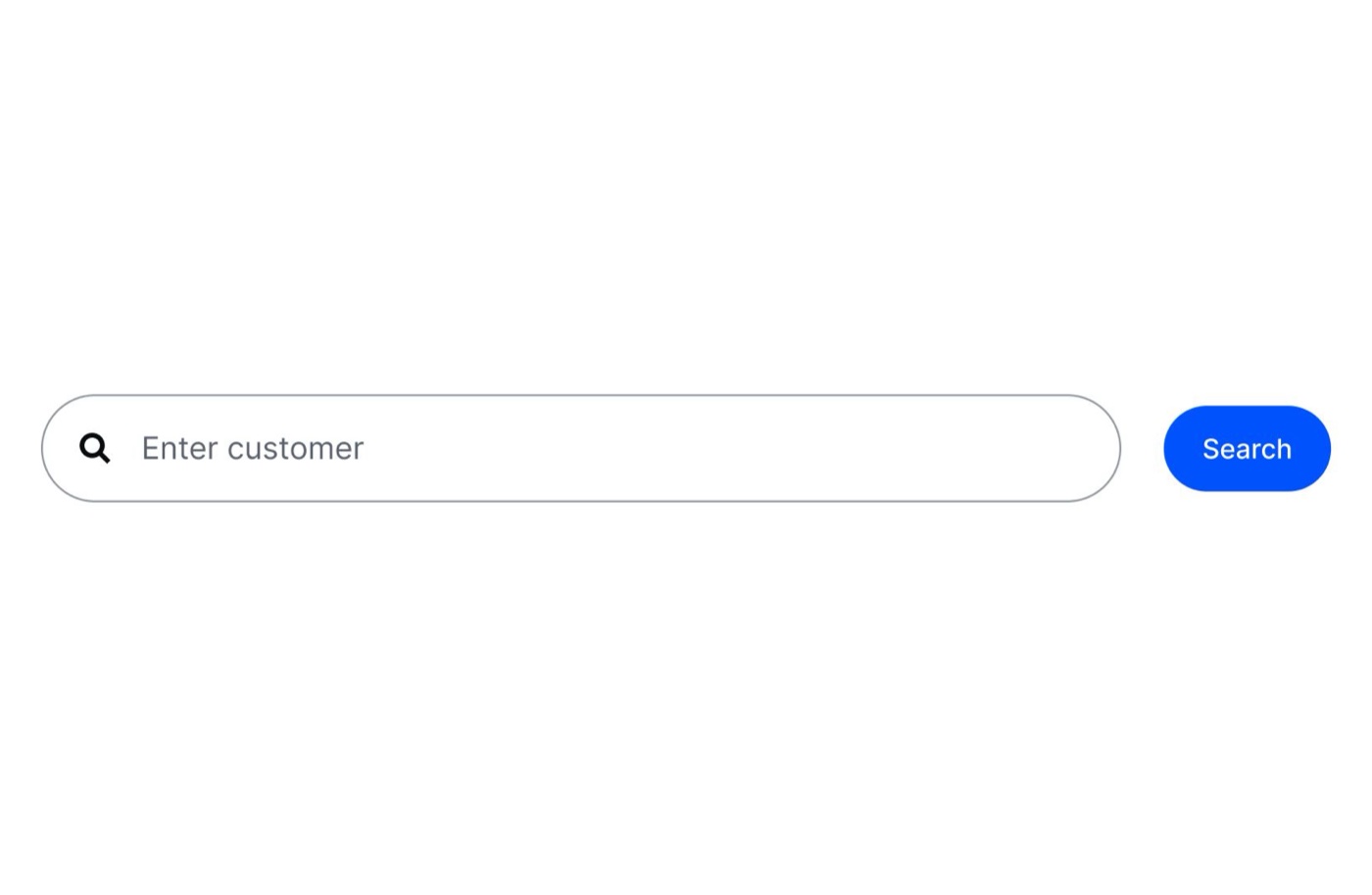
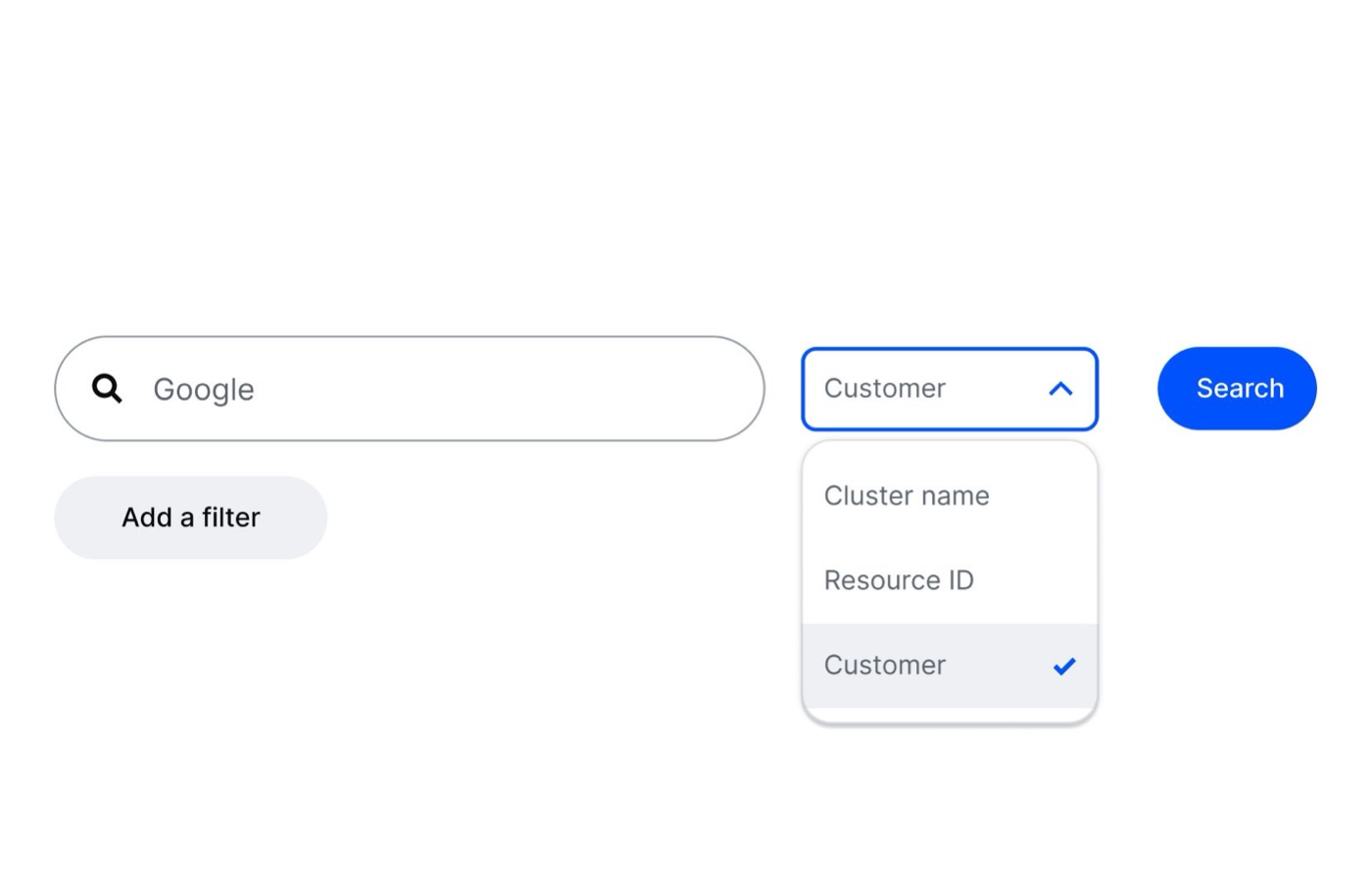
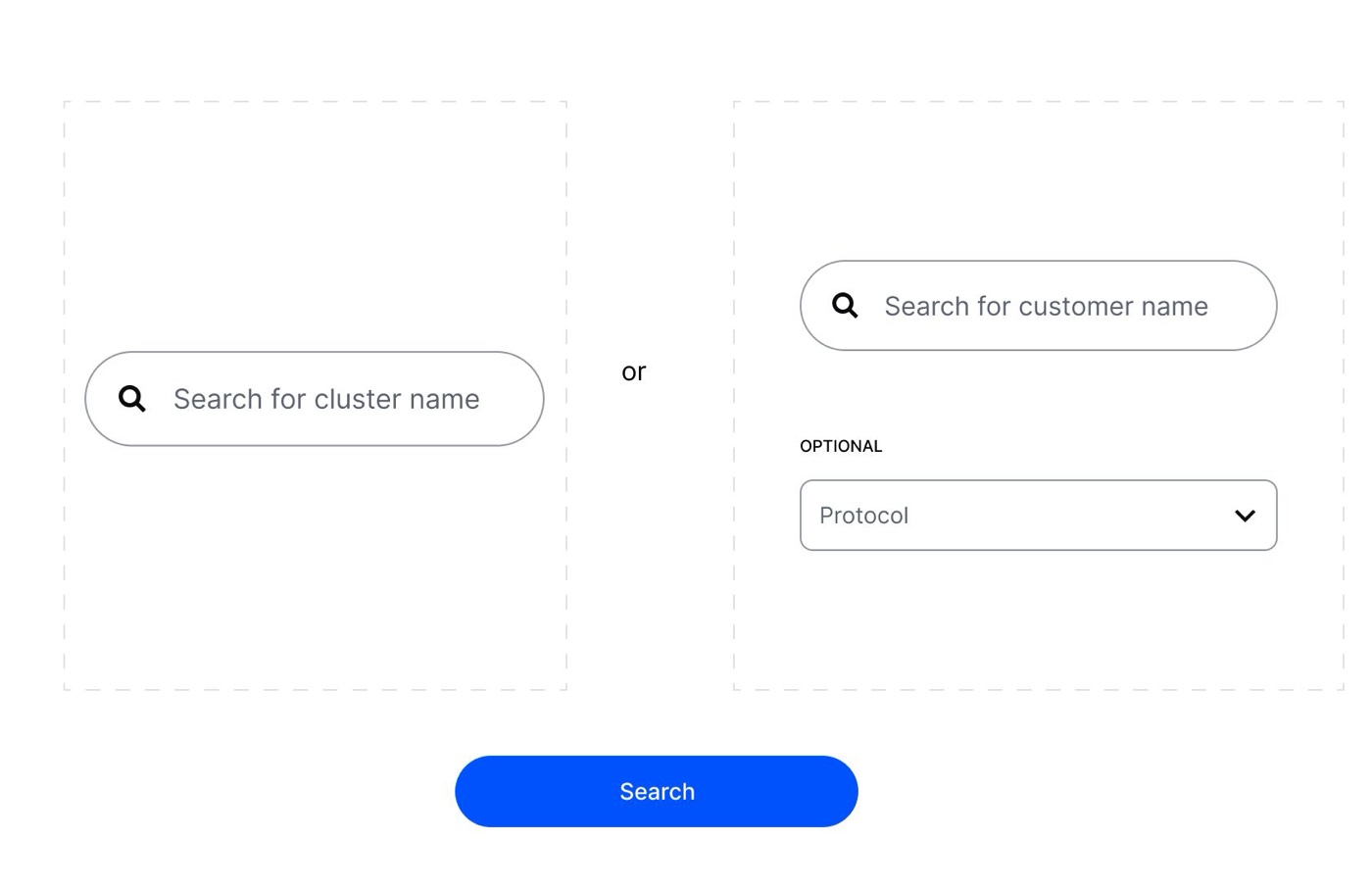
I tested a few directions for search early with account managers. Search by customer was strongly preferred: a simple starting point that matched the information they got from customers.
Solution
Search by customer name, filter down to the cluster, take action. All in one place.
Find cluster
Take action on it
Do what it takes to QA
Timelines were tight and I couldn't get access to the test environment. So I asked for screenshots and sent QA notes over Slack. Not ideal, but we needed to ship quickly.
Outcomes
Resolution timeDays → mins
People per request3 → 1
Tools per request4 → 1